

CXC Home | Search | Help | Image Use Policy | Latest Images | Privacy | Accessibility | Glossary | Q&A
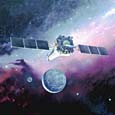
Artist's illustration of Chandra in orbit. (NGST)
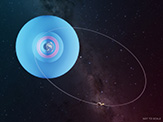
Artist's conception of Chandra's orbit path & radiation belts. (NASA/CXC/M.Weiss)
The Space Shuttle Columbia delivered Chandra to a low Earth orbit. Then, the Inertial Upper Stage rocket boosted Chandra up to a higher altitude where a built-in propulsion system took Chandra to its final orbit. This elliptical orbit takes the spacecraft to an altitude of 133,000 km (82,646 mi) - more than a third of the distance to the moon - before returning to its closest approach to the Earth of 16,000 kilometers (9,942 mi). It takes approximately 64 hours and 18 minutes to complete an orbit.
The Chandra spacecraft spends approximately 85% of its orbit above the Van Allen belts, charged particles that surround the Earth. This makes uninterrupted observations of as long as 55 hours possible, making the overall percentage of useful observing time much greater than the low Earth orbit of a few hundred kilometers used by most satellites.
Satellite Tracking Tutorial
Follow along with this tutorial to see for yourself what Chandra's orbit path looks like. Please note, your browser should be java-enabled.
In a browser window, bring up: http://eyes.nasa.gov/ and click on the navigation button under Menu Heading Applications: "Eyes on the Solar System"
This loads the java-based Eyes on the Solar System application. You may get a screen asking for permission to load. Please click Allow.
Allow some time for the tool and its database to load (it will warn that it is loading data). After it loads, you should be viewing the Sun with numerous circles around it. Near the Sun, you'll see a label for "Earth". Follow these steps:
- Click on "Earth". You will zoom towards the Earth. The Earth data will take a few seconds to load and then you will have a view of our blue planet.
- Zoom out using mouse until you see Chandra X-ray Observatory (see figure 2).
- Move your mouse over "Chandra" and you will see Chandra's orbit track light up. Notice the size and shape of Chandra's orbit. Compare Chandra's orbit with some of the other satellites shown, such as "SDO", "GEOTAILL" and "Polar". Click on "Chandra" to focus in on the spacecraft (see figure 3).
- You can click and drag your mouse to move Chandra around and see what's nearby. Try also the following:
- Click and drag your mouse on the screen until you see the Earth come back into view. Double click the Earth to zoom back down to our planet. Zoom out from the Earth until you see "Chandra" again. Keep zooming out a bit more until you see "Moon." Click "Moon" to focus in on the Moon (see figure 4). Chandra orbits more than a third of the distance to this body! Click and drag the Moon around until you see "Chandra" again. Click on "Chandra" to focus in on the spacecraft again.
- Click on the Toolbox tab on the left and Compare Size Chandra was one of the largest satellites the Space Shuttle ever launched. Click EXIT in the lower right corner when you are done scrolling through the size comparisons.
- Click on any other satellite to see it's name and orbit. (You can always get back to Chandra by repeating steps "1" and "2"). You can look at the Info tab on the left and it will bring up information on the satellite you are looking at and display it in your browser window.
- Next, zoom back until the Earth takes up most of your window. You will see low-altitude satellites which include missions such as Hubble ("HST"), the Space Station ("ISS"), WISE, and many others.
- Still having fun? You can try visiting our Sun or some of the planets in our Solar System. Or you could try additional tutorials on accelerated time, camera angles, and more at http://eyes.nasa.gov/tutorials.html. You can even see which spacecraft NASA's Deep Space Network is talking to in real time at http://eyes.nasa.gov/dsn/dsn.html
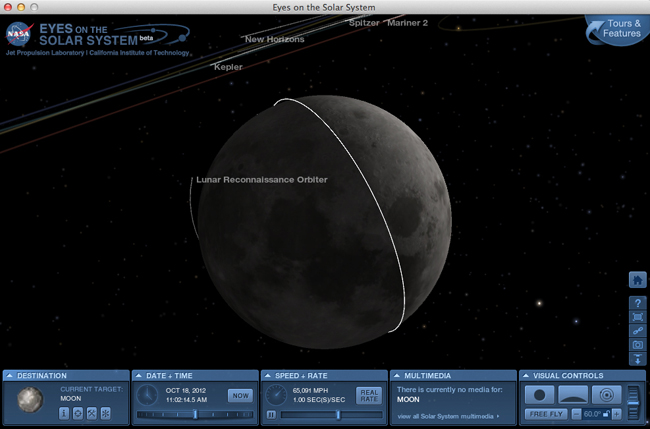
Figure 4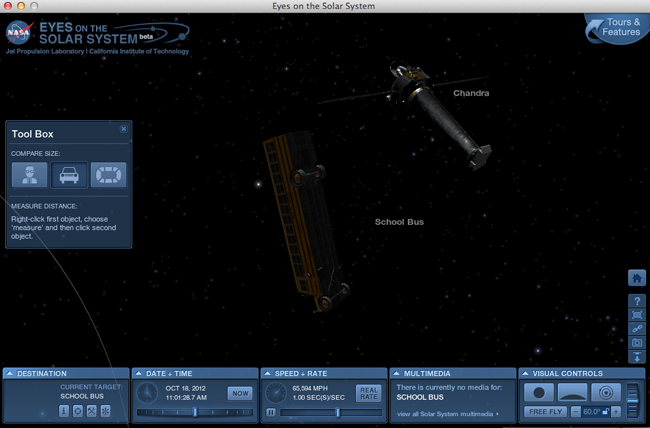
Figure 5
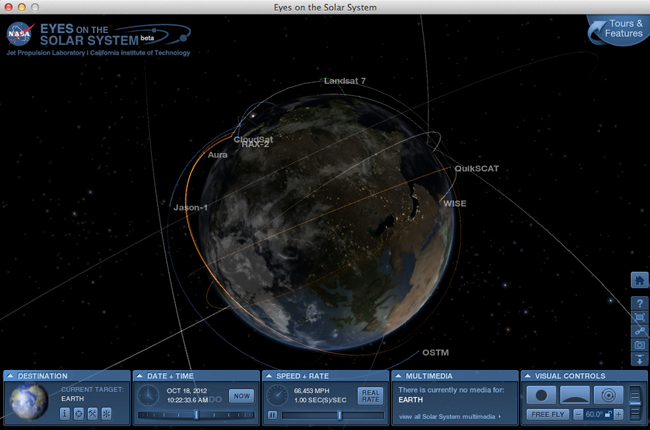
Figure 1
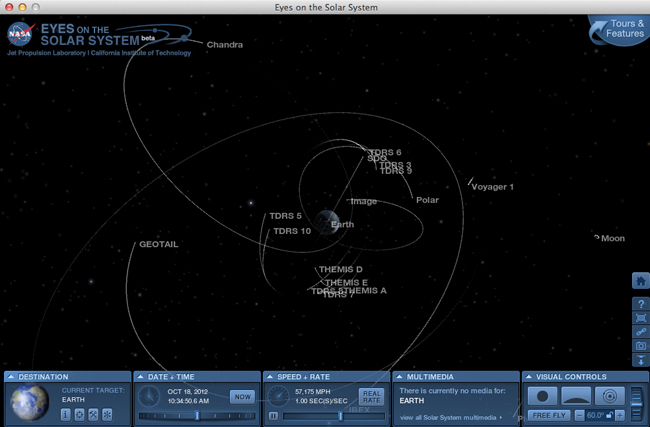
Figure 2
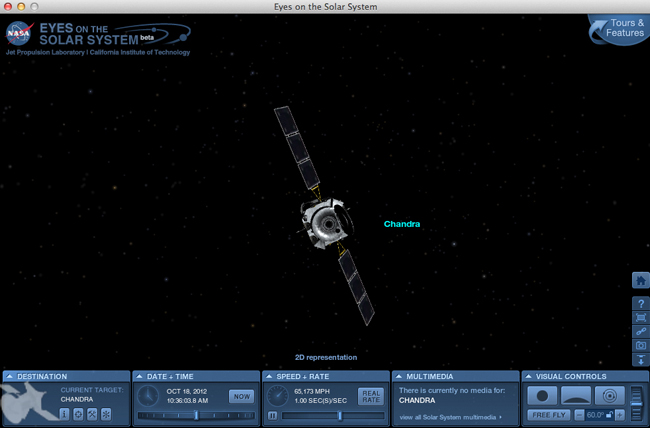
Figure 3


Revised: February 05, 2026